
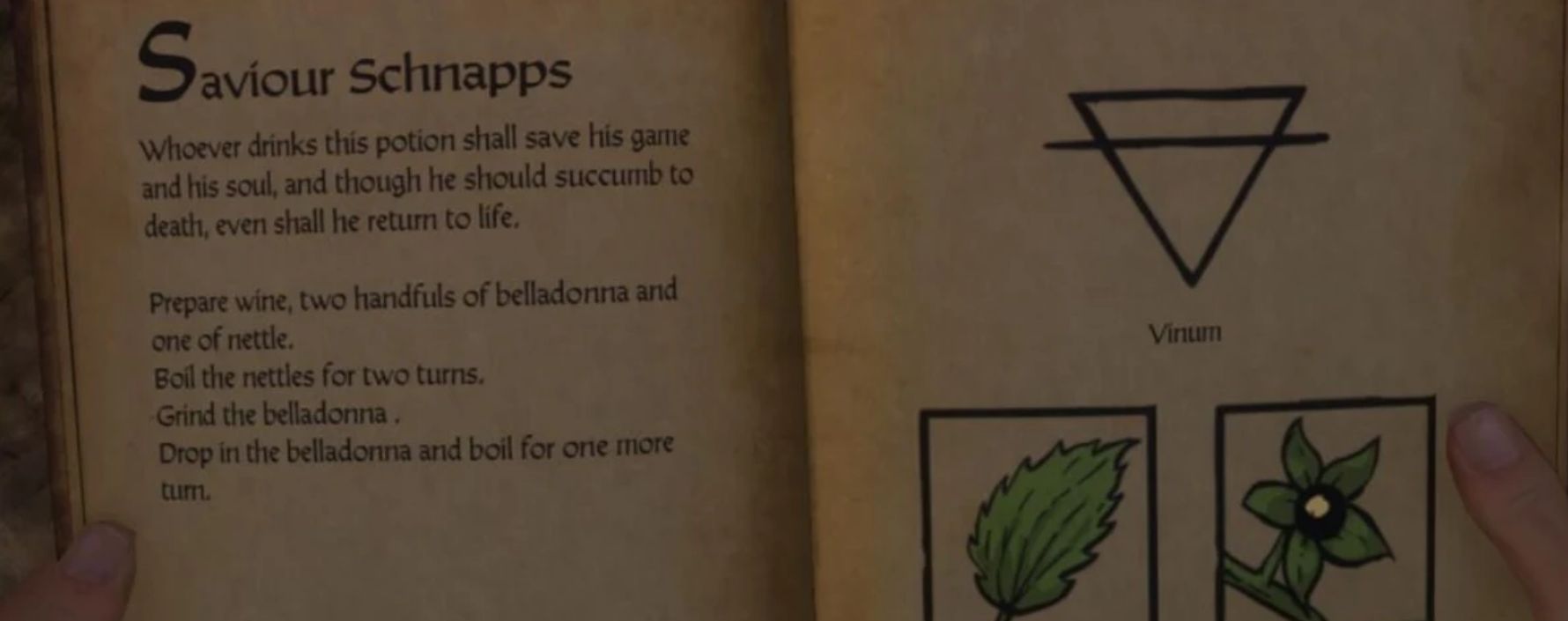
Timely Saves v1.0
Five-mode auto-save: periodic idle-time saves, pre-combat saves, post-combat saves (opt-in), post-activity saves, and fast-travel saves. No Saviour Schnapps required. All modes individually toggleable and configurable via CVars without editing the mod.
Overview
Kingdom Come: Deliverance II limits saving to Saviour Schnapps and beds. Timely Save adds five independent auto-save modes that trigger at the moments that matter — before a fight, after a conversation, when fast-travelling — without consuming any items. All modes are individually toggleable and fully configurable via console CVars or user.cfg without editing the mod.
Save Modes
1. Periodic Save
Saves every 15 minutes of idle time (configurable). The countdown only advances while you are truly idle. It pauses automatically during combat, dialogue, minigames, trading, and tense situations, then resumes when you are idle again. You will never lose 15 idle minutes because you spent 10 of them in a conversation.
2. Combat-Entry Save
Saves the instant combat begins — but only if 120 seconds have passed since your last fight ended (configurable). This gives you a save point before every fresh encounter without spamming saves during back-to-back skirmishes.
3. Combat-Exit Save (opt-in, off by default)
Saves 2 seconds after surviving combat, once the engine confirms the fight is truly over. Enable with ts_combat_exit_enabled 1 in user.cfg or the console.
4. Activity-Exit Save
Saves 2 seconds after finishing any of the following:
– Conversations with NPCs
– Trading with merchants
– Blacksmithing at a smithy
– Alchemy at a brewing table
– Crafting at a forge
A 2-second debounce confirms the activity has truly ended before the save fires.
5. Fast-Travel Save
Saves when a fast-travel event fires. Check kcd.log for a [TimelySave] Fast-travel event fired: line to confirm it is working on your build.
Global Save Guard
A 30-second minimum interval between any two saves (from any mode) prevents back-to-back saves when multiple triggers fire at the same time. Adjustable with ts_min_save_interval.
Save Guards — When Saves Are Blocked
Condition Periodic Combat-Entry Combat-Exit Activity-Exit Fast-Travel
Loading screen Blocked Blocked Blocked Blocked Allowed
In combat Blocked — — Blocked* Allowed
In dialogue Blocked Allowed Allowed (trigger) Allowed
In minigame Blocked Allowed Allowed (trigger) Allowed
Tense situation Blocked Allowed Allowed Allowed Allowed
Min interval Blocked Blocked Blocked Blocked Blocked
* Activity-exit save is blocked only if combat starts during the 2-second debounce window.
Configuration
All settings are controlled via console CVars. Set them once in /user.cfg to make them permanent, or type them into the in-game console to apply immediately.
Mode toggles
– ts_periodic_enabled (default: 1) — Periodic idle-time saves
– ts_combat_enabled (default: 1) — Combat-entry saves
– ts_combat_exit_enabled (default: 0) — Combat-exit saves (opt-in, off by default)
– ts_activity_enabled (default: 1) — Activity-exit saves
– ts_fast_travel_enabled (default: 1) — Fast-travel saves
Timing
– ts_periodic_minutes (default: 15) — Idle-minutes between periodic saves
– ts_combat_cooldown_seconds (default: 120) — Seconds out of combat before combat-entry save re-arms
– ts_min_save_interval (default: 30) — Global minimum seconds between any two saves
Example user.cfg
; Save every 30 idle-minutes instead of 15
ts_periodic_minutes 30
; Also save after surviving combat (opt-in)
ts_combat_exit_enabled 1
; Require 60 seconds between any two saves
ts_min_save_interval 60
No Saviour Schnapps Required
Timely Save bypasses the schnapps requirement using the engine’s wh_sys_NoSavePotion flag. No items are consumed and your schnapps inventory is untouched.
HUD Notification
A brief on-screen message appears after each successful save. The mod tries several engine APIs and uses the first one that works on your build. If none are available, saves are logged to kcd.log only.
Installation
– Download and extract the archive.
– Copy the timely_save folder into /Mods/
– Open Mods/mod_order.txt and add timely_save on its own line.
– Launch the game.
The mod activates immediately — no new game required.
Uninstallation
Remove the timely_save folder from Mods/ and delete the line from mod_order.txt. Safe to remove at any time — no changes are made to your save files.
Compatibility
– Lua-only — no table overrides, no Storm abilities XML. Does not conflict with any other mod.
– Save-safe — removing the mod has no effect on existing saves.
– Game version: KCD2 1.5.x and later.
Troubleshooting
Saves are not firing
Open %LOCALAPPDATA%Warhorse StudiosKingdom Come Deliverance 2kcd.log and search for [TimelySave]. You should see a Module loaded line on game start, an Initialized line when gameplay begins, and a Save #1 line when the first auto-save fires. If No Game.* save function found appears, the game API changed in a patch — please report it.
Fast-travel saves are not firing
Check the log for a Fast-travel event fired: line after using the map. If no such line appears, the engine event name has changed and the candidate list needs updating. Please report the game version in the bug tracker.
Saves fire too often or not often enough
Adjust ts_periodic_minutes, ts_combat_cooldown_seconds, or ts_min_save_interval in user.cfg.
Source Code
Source is available on GitHub. Bug reports and pull requests welcome.