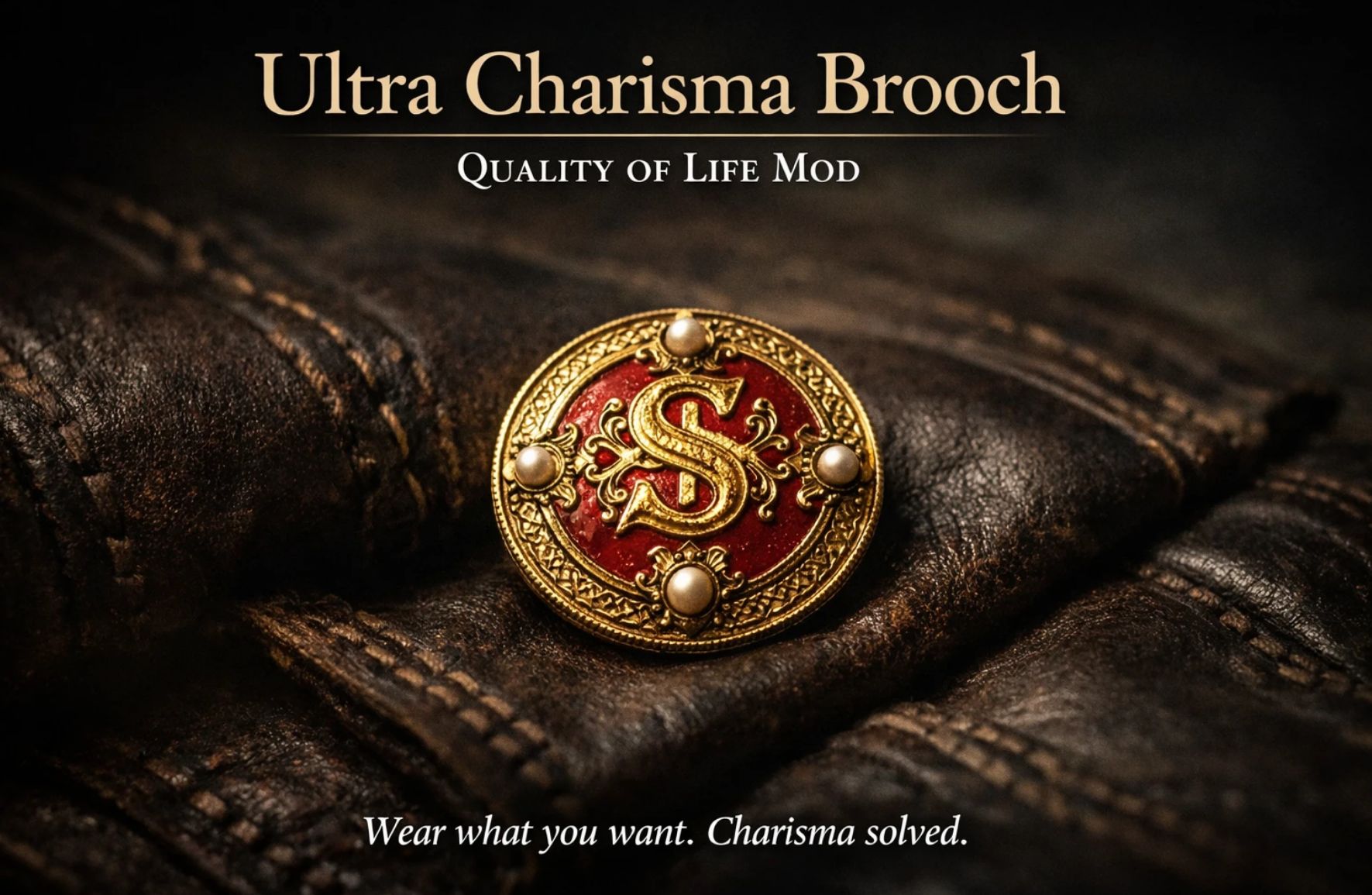
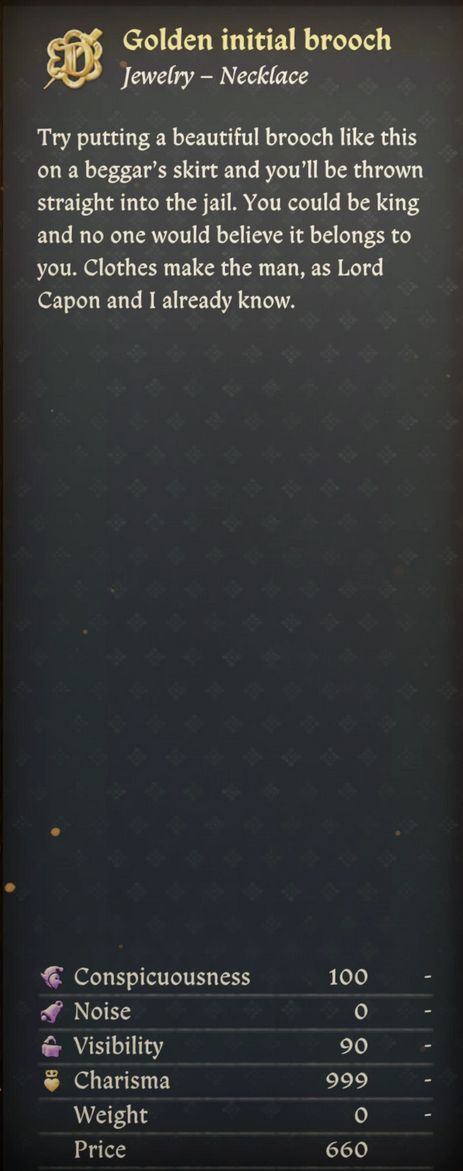
Golden Charisma Broche (999 Charisma) v1.5.2
This mod boosts the Charisma value of a single brooch to an extremely high level, removing the need to manage clothing for charisma. Wear any outfit you like without worrying about stat penalties. A simple quality-of-life mod focused on freedom and convenience.
Detailed Description (Simple & Clear)This is a quality-of-life mod for Kingdom Come: Deliverance II.
What it does
– It increases the Charisma value of one specific brooch to a very high number.
– Result: You can wear whatever you want (fashion/armor) without worrying about Charisma checks.
– Only one item is changed.
– Nothing else in the game is edited.
Installation (Step-by-step, no confusion)1) Find your game folder If you installed via Steam, it’s usually here:
C:Program Files (x86)SteamsteamappscommonKingdomComeDeliverance2
2) Create the Mods folder (if you don’t have one) Inside the game folder, look for a folder named Mods.
If you already have it → great.
If you DON’T have it → create it manually:
Right click → New Folder → name it exactly:
Mods
So it becomes:
…KingdomComeDeliverance2Mods
3) Put the mod inside the Mods folder
Download the mod file
Extract/unzip it
You will get a mod folder (example name: UltraCharismaBrooch_DFS)
Move that whole folder into:
…KingdomComeDeliverance2Mods
Final structure should look like this (very important):
KingdomComeDeliverance2 └─ Mods
└─ UltraCharismaBrooch_DFS
├─ mod.manifest└─ Data
└─ (something).pak
If you see mod.manifest and a Data folder inside the mod folder, you did it correctly.
How to check if it works
– Start the game
– Equip the brooch (the modded one)
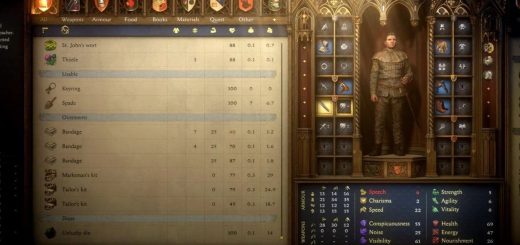
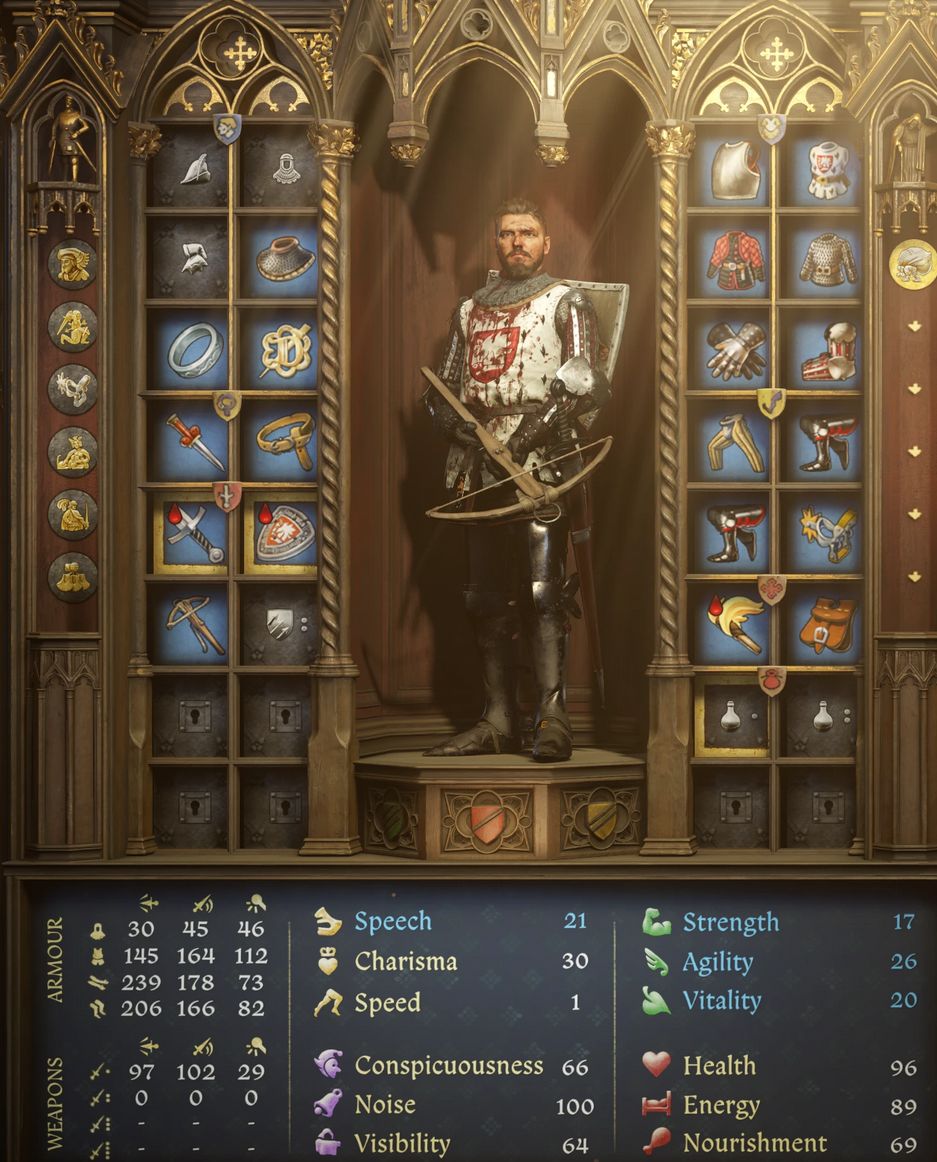
– Your Charisma should jump up immediately
If it doesn’t:
– Make sure the folder structure matches the example above
– Make sure you extracted the mod (don’t put the .zip directly into Mods)
Compatibility / Conflicts
– Works with most mods
– Only conflicts with other mods that edit the same brooch item
– (If two mods change the same item, the game can only use one.)
NotesThis mod is intended for players who want:
– Fashion freedom
– Roleplay
– Less stat micromanagement
If the Charisma value is too high for you, you can edit the XML and lower it.
Getting the Brooch via Console (Optional)If you don’t want to wait to find the brooch through normal gameplay, you can add it manually using the developer console.
Enable developer mode
– Right click Kingdom Come: Deliverance II in Steam
– Select Properties
– In Launch Options, add:
devmode
Open the console (very important)
– Launch the game
– Press the ~ (tilde) key to open the console
– This key is usually located:
– Above the TAB key
– Below the ESC key
– To the left of the number 1 key on most keyboards
On some keyboards, you may need to press:
– Shift + ~
– or Shift + ‘ (apostrophe)
Add the broochType the following command exactly and press Enter:
wh_cheat_addItem brooch_golden_letter
The brooch will be added directly to your inventory.
Equip it and the Charisma bonus will apply immediately.
Important notes
– Console usage is optional
– The mod works without using developer mode
– This only adds the item faster and does not harm your save