
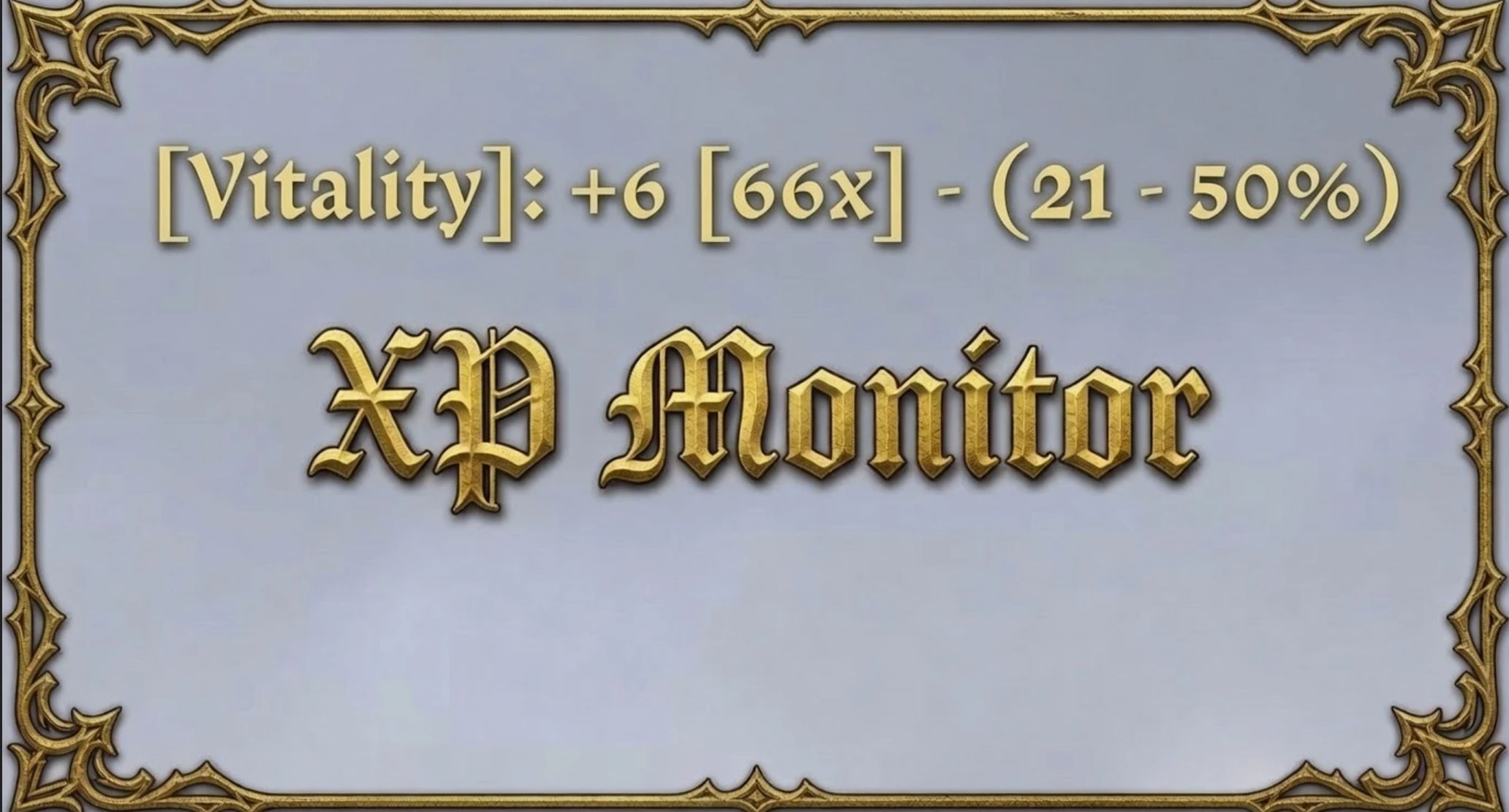

XP Monitor (Display EXP Gained) v1.4
Description
Displays your EXP gained on-screen and in the console
Enable/Disable XP Monitor
– Type the below into the console to Enable/Disable the script
– xpmonitor
On-Screen/Console
– Open the console and type the below; enter a number between 1 and 6 for the
– xpmonitor_format
Format:
– [Name]: +Gained [Gained to Next Level] – (Level – Percent%)
– [Name]: +Gained (Level – Percent%)
– [Name] (Level): +Gained (Percent%)
– [Name]: +Gained [Gained to Next Level] (Percent%)
– [Name]: +Gained (Percent%)
– [Name]: +Gained
– Example: [Stealth]: +2 [40x] – (9 – 49%)
– Name: The name of the skill/stat that just gained XP
– Gained: How much XP you just gained
– Gained to Next Level: Estimated remaining hits to next level shown in [brackets]
– Level: Your current level in that skill/stat
– Percent: How far you are through the current level
Keybind
– Type “bind # xpmonitor” into console, replace # with the key of your choice
Changes
– Changed: Display format “Name” to “[Name]”
– Added: Extra format style “[Name]: +gained [Gained to Next Level] (percent)”
– Added: Extra format style “[Name]: +gained (percent)”