
Keep Sharpening v1.0
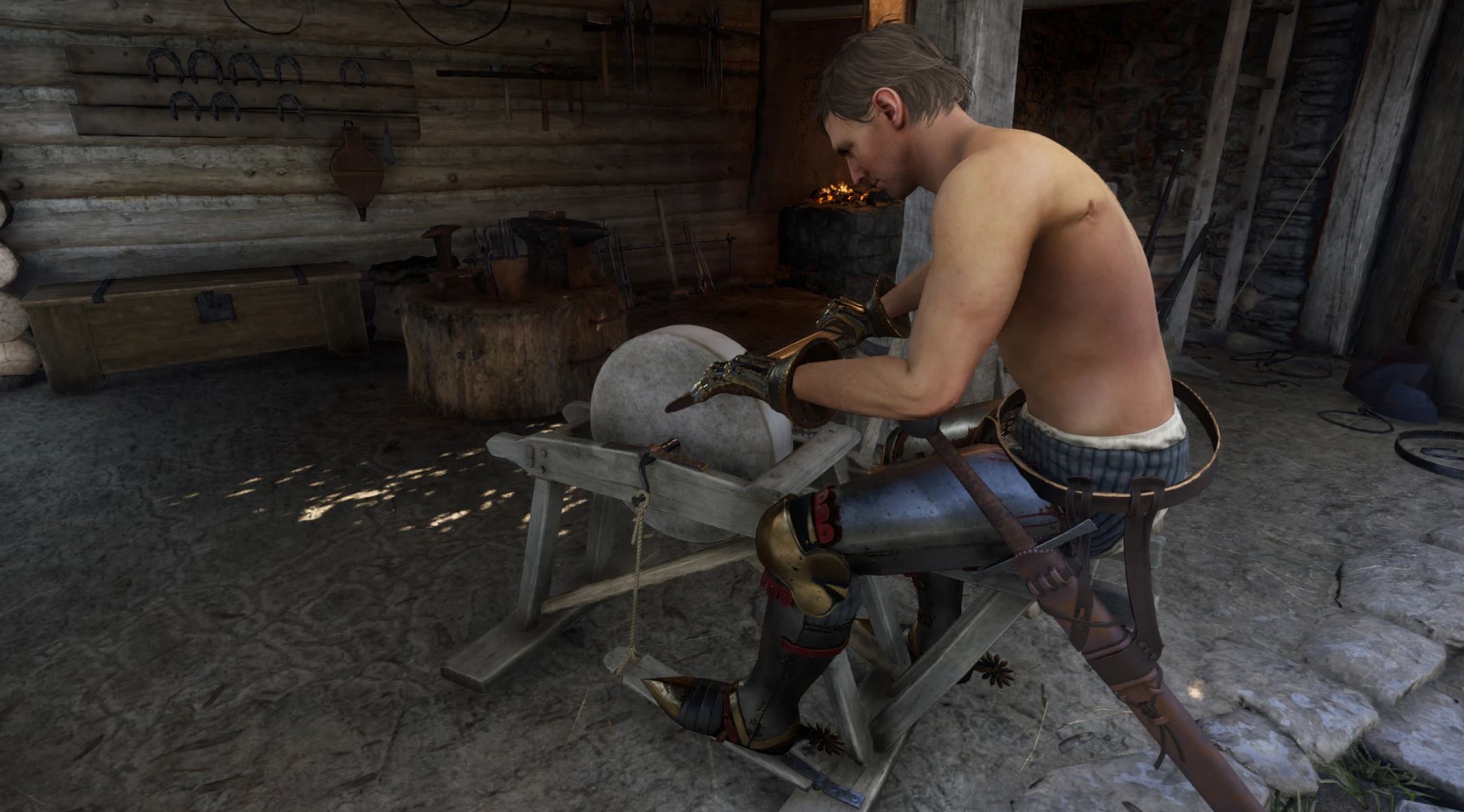
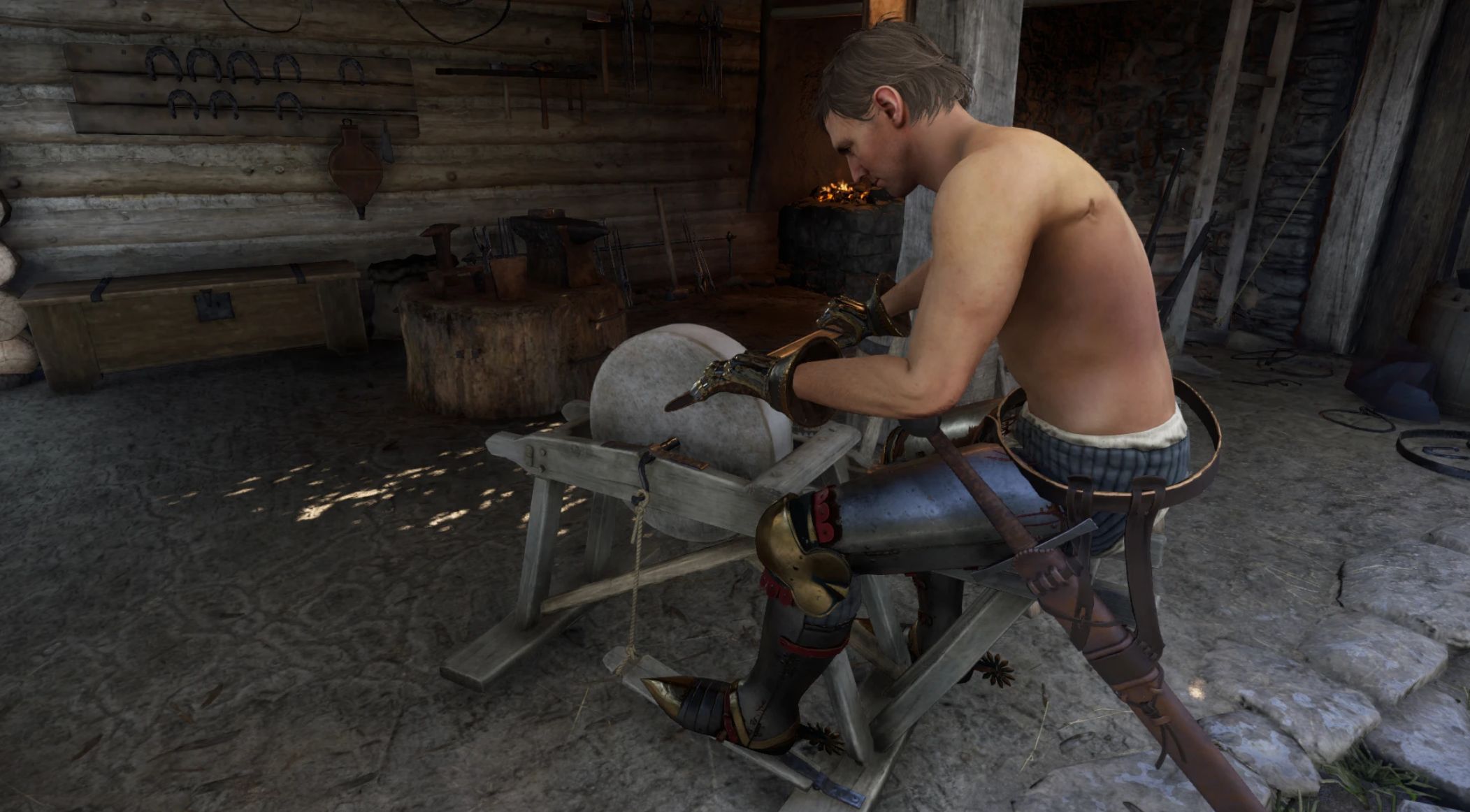
Tired of exiting and re-entering the sharpening minigame every time you want to switch to another weapon?
This mod lets you seamlessly select the next weapon to sharpen without leaving and re-entering the grindstone. Keep sharpening!
Required:
KCD2 Keybinder
Sharpening weapons in Kingdom Come: Deliverance 2 is immersive, but switching between multiple weapons requires repeatedly exiting and re-entering the grindstone interaction.
Every new blade means standing up, reopening the interaction, selecting the item again, and sitting back down — a small but constant interruption when sharpening several weapons in a row.
This mod adds a new option during the sharpening minigame that allows you to open the weapon selection menu directly, so you can choose another item to sharpen without manually reactivating the grindstone interaction.
Henry will briefly stand up when reopening the selection (due to engine limitations), but the process is handled automatically — removing the need to fully exit, reposition, and re-trigger the interaction yourself.
What this mod does:
– Adds a new option inside the sharpening minigame called “Change Piece”
– Allows opening the weapon selection menu without manually reusing the grindstone
– Makes sharpening multiple weapons more convenient
– Preserves all original sharpening mechanics
What this mod does NOT do:
– Does not alter sharpening balance or difficulty
– Does not modify weapon stats or durability values
– Does not remove core animations of the minigame
– Does not automate sharpening
This is a straightforward quality-of-life improvement focused purely on reducing repetitive interaction steps.
Installation:
Extract the contents of the .zip file into:
KingdomComeDeliverance2/mods/
Important – Compatibility Notice
Kingdom Come: Deliverance 2 only supports a single keybindSuperactions.xml file.
If you are using other mods that add custom keybinds, conflicts may occur depending on load order. In such cases, this mod — or other mods — may fail to register their keybindings.
It is recommended to use the KCD2 Keybinder utility, which merges keybind files automatically and prevents load-order conflicts. After using Keybinder, you may need to manually assign this mod’s key in the in-game keybindings menu. Once assigned, it will function normally alongside other mods.
Without a merging tool, only the last loaded keybind file will be active.